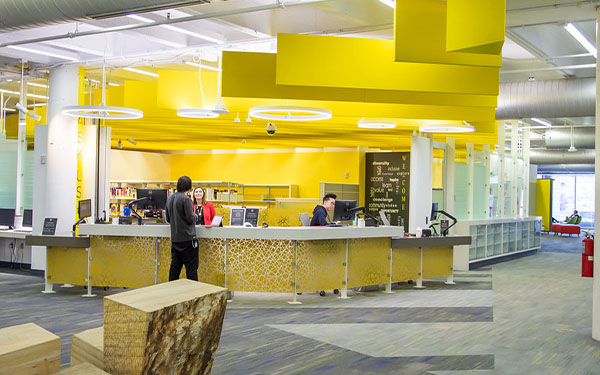
Auraria Library’s Course Reserve Collection is located at the Ask Us Desk on the first floor of the library.
What is a Course Reserve?
A course reserve is any course material placed in this collection by an instructor, usually the required textbook or suggested readings. Our collection has course materials from all three institutions on the Auraria Campus - the Community College of Denver, Metropolitan State University of Denver, and the University of Colorado Denver.
Materials in this collection are available for short-term checkout at the first floor Ask Us Desk. This allows for equitable access to all students enrolled in a course. This collection has a variety of materials including books, eBooks, DVD’s, streaming video, and more. The first floor Ask Us Desk is also home to the Ask Us Collection, click the link for more information.
Electronic or physical materials, either from the library’s collection or instructor/department items, can be placed on this collection.
Students: Locating Course Reserves
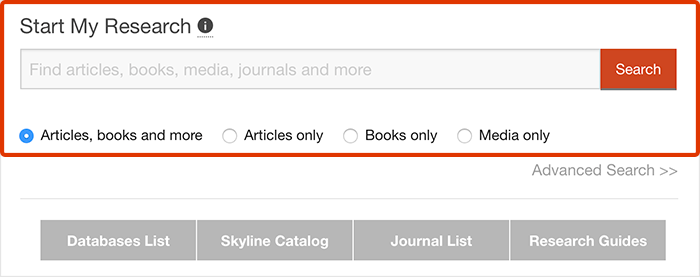
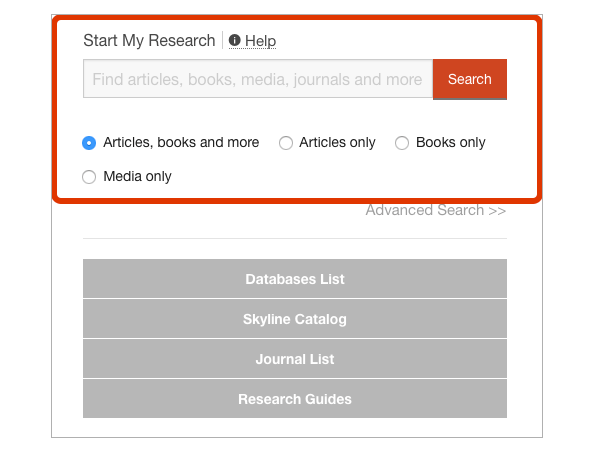
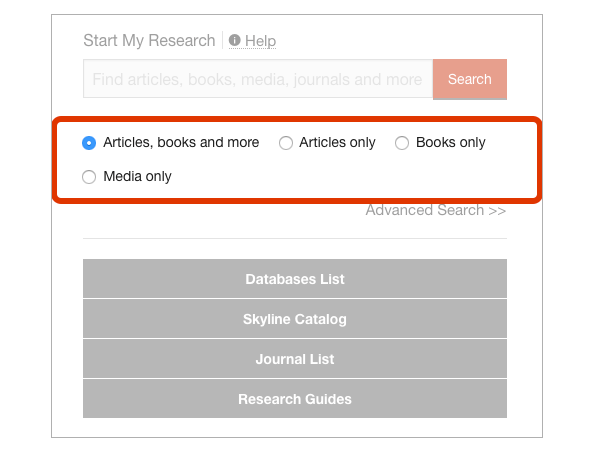
Use the catalog below to search by title and check whether your instructor has placed the course material on reserve. Not all classes have course reserves. If we have it in the collection, the record will tell you if the material is available and for how long it checks out. Most materials check out for 2 hours; some may check out for 4 hours, 1 day, or 3 days. Electronic materials are accessible through the link provided in the catalog.
You can also search for materials here by searching for your course name, course number, or instructor’s last name.
Instructors: Placing Materials on Course Reserve
Complete the Course Reserve Request Form below to place material(s) on reserve. Use the form for materials Auraria Library already owns, materials you would like the library to purchase, or materials you own. Please note, the library does not typically purchase “true textbooks” – books introductory in nature with a new edition every few years. For materials you own, bring them to the Ask Us Desk in the library where you can fill out a physical copy of this form.
We ask that you submit any purchase requests as soon as possible as these requests can take several weeks to fulfill and be made available. If you have any questions about this collection or need your materials removed, please contact Course Reserves staff.
Running short on time? Use our KIC Scanner to scan a chapter of your required reading material – please be aware of and follow the guidelines below regarding photocopies of materials.
Copyright Law compliance guidelines
The copyright law of the United States (Title 17, United States Code) governs the making of photocopies or other reproductions of copyrighted material. Under certain conditions specified in the law, libraries and archives are authorized to furnish a photocopy or other reproduction. One of these specified conditions is that the photocopy or reproduction is not to be “used for any purpose other than private study, scholarship, or research.” If a user makes a request for, or later uses, a photocopy or reproduction for purposes in excess of “fair use,” that user may be liable for copyright infringement.