
Auraria Library provides support for computer workstations, software, printing, scanning, as well as basic technology help such as using email and wireless network.
Have questions? Please stop by Ask Us Desk on the 1st floor for assistance.
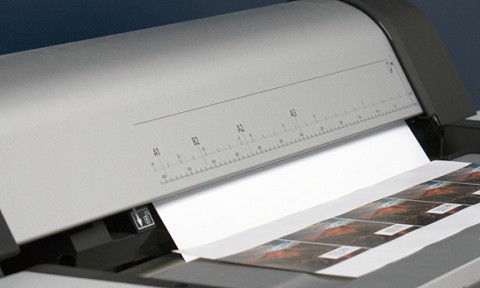
Print and Scan
Wireless Access

Computer Labs
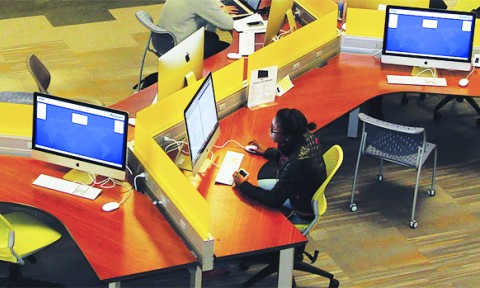
About Library Computers
Windows Workstations
The Auraria Library has Windows 11 workstations available at the following locations:
- 41 computers in North Computing, on the 1st floor near the Lawrence Street Entrance.
- 40 computers in South Computing, on the 1st floor along the south windows.
- 1 computer Quick Lookup (30-minute sessions), next to the Ask Us desk.
- 5 computers Quick Lookup (30-minute session), 1st floor near the Lawrence Street entrance, under grey staircase.
Apple Workstations
The Auraria Library has macOS Sequoia workstations available at the following locations:
- 10 iMacs in the Research Zone on the 1st floor of Auraria Library.
Assistive Technology Workstations
The Auraria Library has Windows 11 and macOS Sequoia workstations available in the following locations. For more information about these workstations, please visit Accessibility Services.
- 1 computer in the Assistive Technology Work Room (Room 104) near North Computing (1st Floor).
- 1 computer in North Computing, on the 1st floor near the Lawrence Street Entrance.
- 1 computer in the Research Zone on the 1st Floor of the Auraria Library.
- 1 computer in study room 210H. This is a bookable study room.
- 1 computer in Quick Lookup (30-minute session). Computer Name: AL-QUICKLOOK01. Located under grey staircase.
- 1 computer in Research Consultation Room. The Research Consultation Room is a bookable space.
How To
Log In to Library Computers
Log in to a Library workstation with your last name and 9-digit campus ID number.
Save Your Work
Save your work to a USB drive, to cloud storage, or by emailing documents to yourself. Library computers reset with each login, so your work cannot be saved to the desktop.
Extend time on Library Computer
For students, faculty, and staff, there are no time limits, but after 180 minutes, you may extend your time by renewing your log in every 60 minutes. For those using computer passes, the computer time limit is 180 minutes per day.

Each of the Windows computers has the following software:
- Adobe Acrobat Reader
- Adobe Digital Editions
- ArcGIS
- Audacity
- Blender
- GIMP
- Google Chrome
- Google Earth
- Inkscape
- MATLAB
- Mendeley
- Microsoft Edge
- Microsoft Mathematics
- Microsoft Office
- Microsoft Teams
- Mozilla Firefox
- Notepad++
- QGIS
- Read & Write Gold
- Skype
- VLC Media Player
- Zoom

Each of the Apple computers has the following software:
- Adobe Creative Cloud Applications
- Audacity
- Blender
- Google Chrome
- Google Earth Pro
- MATLAB
- Microsoft Office
- Microsoft Teams
- Mozilla Firefox
- Read & Write Gold
- Safari
- Spotify
- SPSS Statistics
- VLC Player
- Zoom